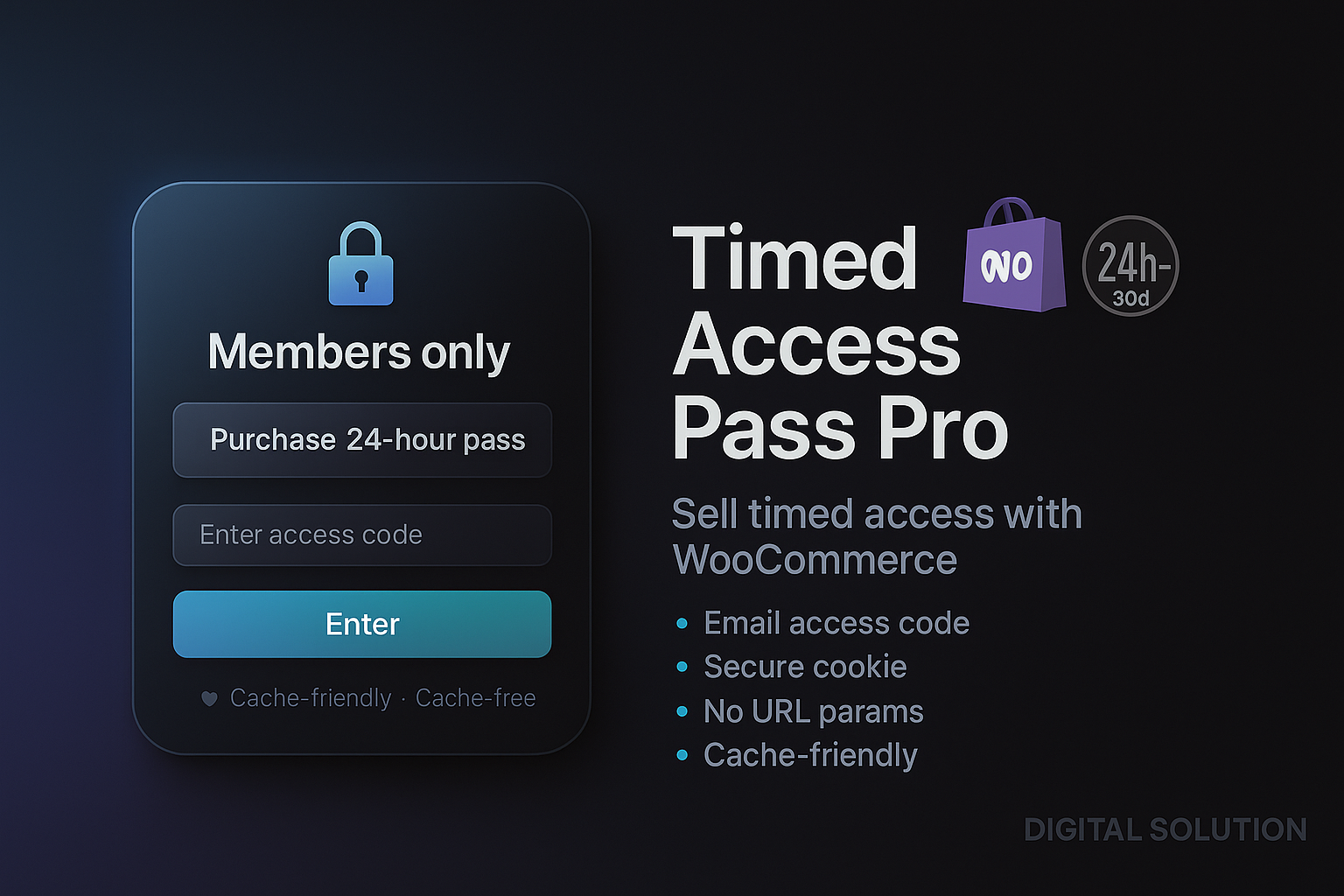
Description
Sell every course, class and recording – each with its own pass.
Timed Access Pass Pro extends the free Timed Access Pass plugin. Create as many passes as you like, from 1 hour to 1 year, put any number of pages behind them, and decide which pass opens which page.
What Pro adds
- Unlimited passes, any length – 2-hour replay, 7-day workshop, 30-day course, yearly archive. Each pass has its own WooCommerce product and its own button on the gate.
- Any number of protected pages – not just one.
- Passes for specific pages – sell each course or event separately, or one pass that opens everything.
- Device limit per pass – offer 1, 3 or 5-device tiers at different prices.
- Hebrew interface included – the whole Pro screen is translated.
- Your setup is safe – if your license ever lapses, protected pages stay protected and existing passes keep working.
Built for sellers like you
Free vs Pro
| Feature | Free | Pro |
|---|---|---|
| Protected pages | 1 | Unlimited |
| Passes you can sell | One 24-hour pass | Unlimited, 1 hour to 1 year |
| Passes for specific pages | – | Included |
| Device limit | One setting for all codes | Per pass |
| Gate design, branded email, thank-you page | Included | Included |
| Access codes screen, refunds revoke access | Included | Included |
| Security (signed cookie, brute-force protection, hidden from search and REST API) | Included | Included |
| Hebrew interface | Via WordPress translations | Built in |
| Email support | – | Included |
Getting started
- Buy Pro. Your download link and license key appear on the thank-you page right away, and arrive by email.
- Install. Make sure the free Timed Access Pass (1.3.0 or newer) is active, then go to Plugins → Add New → Upload Plugin and upload the Pro ZIP.
- Activate. Open Access Pass → Pro license, paste your key and click Activate license.
- Create your passes. In Access Pass → Settings → Pass & checkout, add a pass for each product you sell and pick the pages it unlocks.
Upgrading from Pro 1.x? Install 2.0 over it. Your custom pass and extra pages are imported automatically.
Requirements
- WordPress 6.2 or newer
- WooCommerce, with any payment gateway it supports
- PHP 7.4 or newer (8.x recommended)
- The free Timed Access Pass plugin, version 1.3.0 or newer
Questions
How many sites can I use one license on?
One license activates Pro on one website. Buy another license for each additional site.
Do my customers need an account?
No. They pay, receive a code and unlock the page. Access is stored securely in their browser until the pass expires.
What happens if my license expires?
Nothing breaks. Your pages stay protected and existing passes keep selling. You only need an active license to change Pro settings.
How do I get new versions?
Download the latest ZIP any time from My Account → Downloads and upload it over the current version. Your settings are kept.
Support
Questions before or after buying? Email info@digital-solution.co.il and we’ll get back to you.
Reviews
There are no reviews yet.